
Instant Delivery
Licensed Epins
Secure Payment
Instant Delivery
Licensed Epins
Secure Payment

Instant Delivery
Licensed Epins
Secure Payment
Instant Delivery
Licensed Epins
Secure Payment
72 product
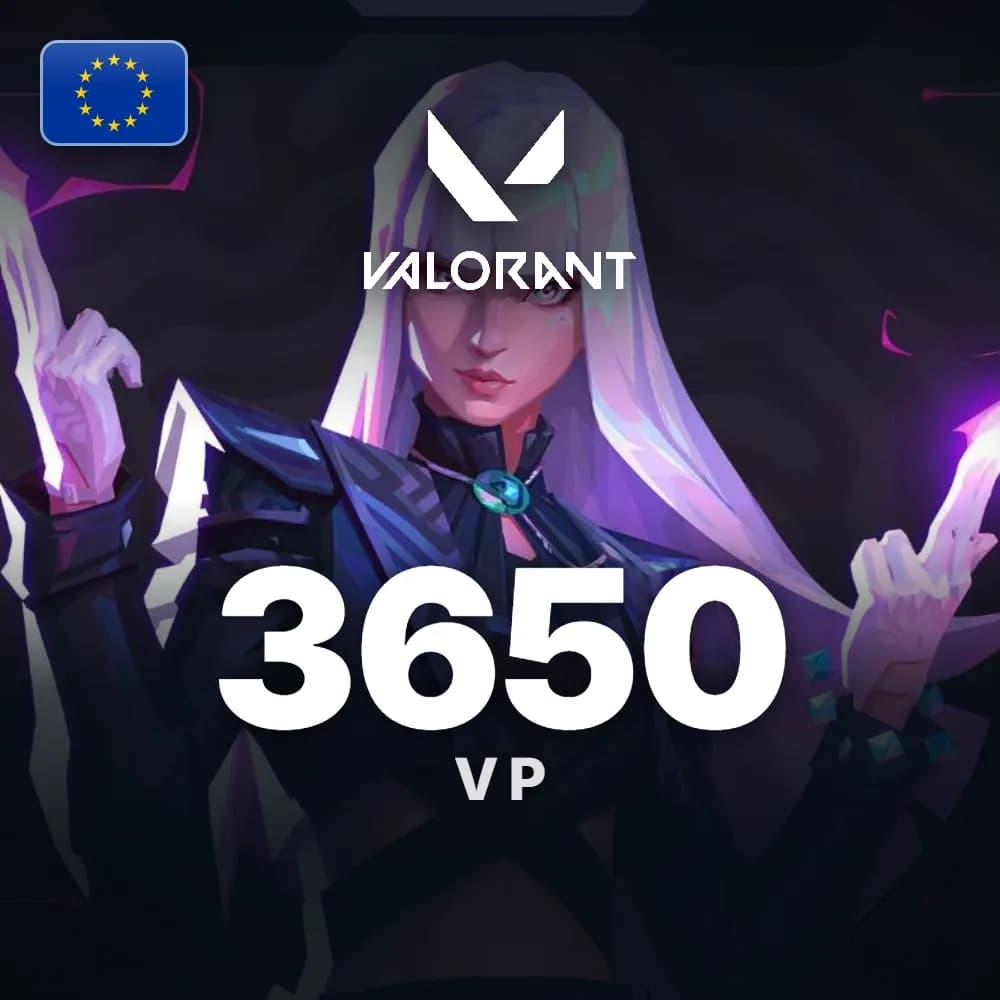
 ₺2,052.64
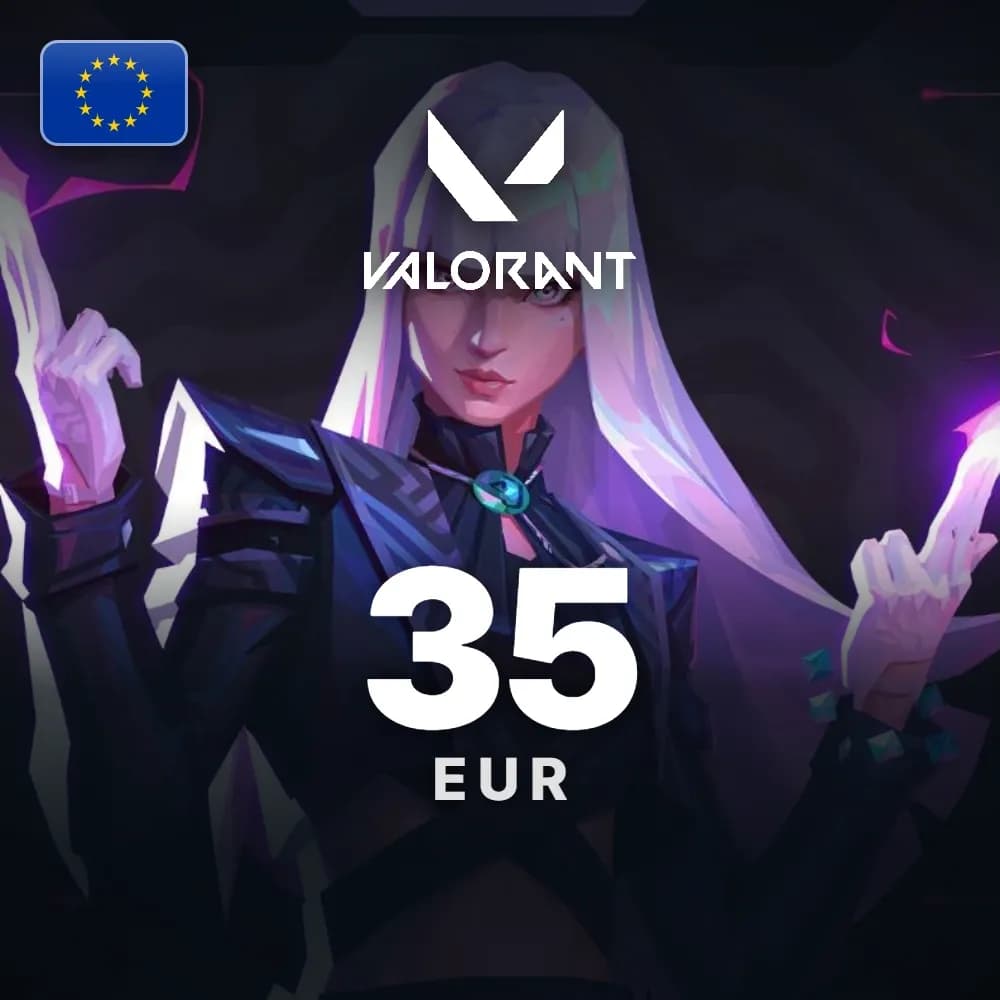 ₺2,207.25
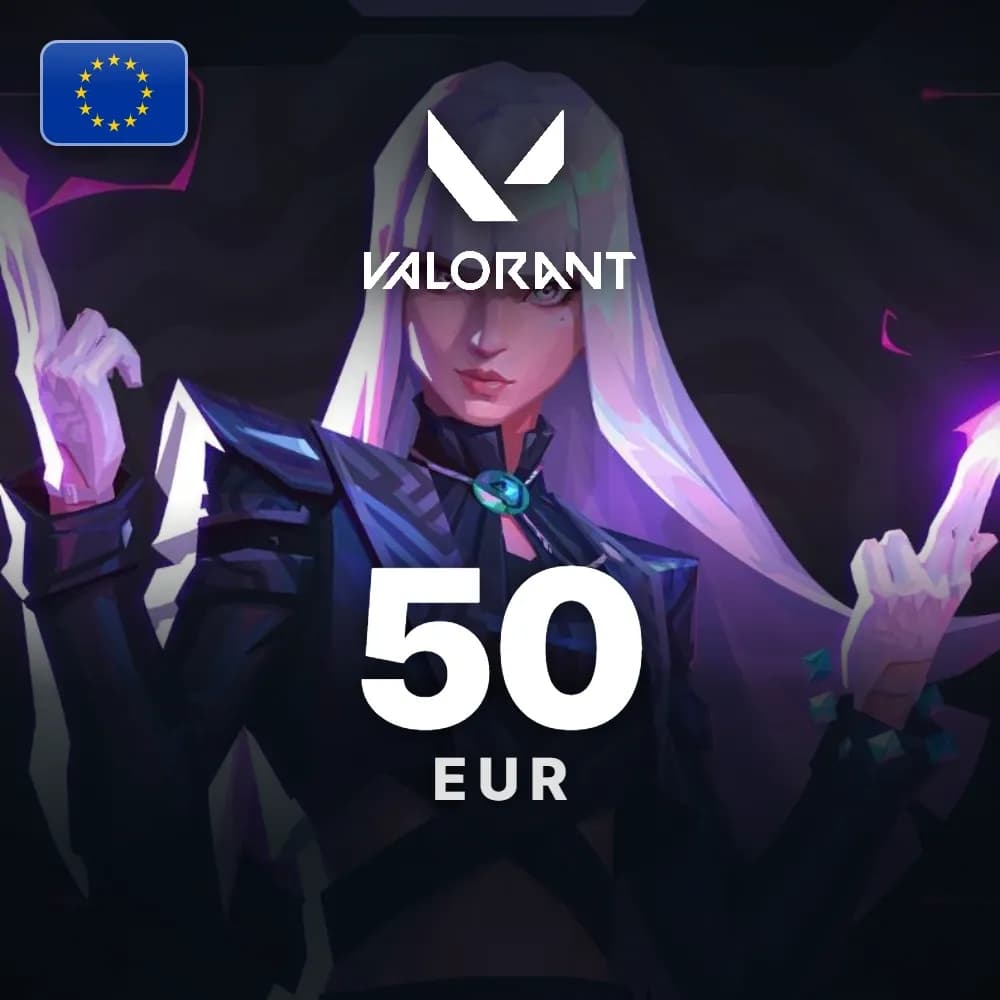 ₺2,856.70
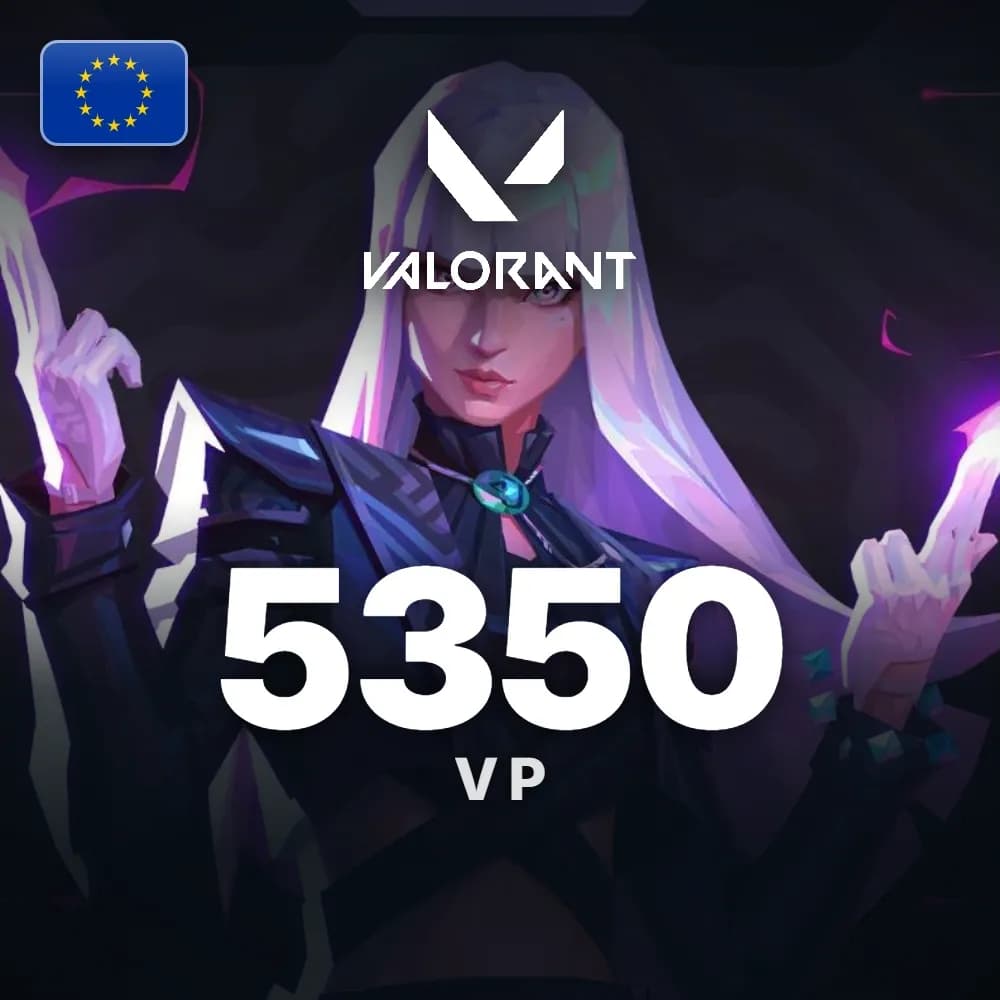 ₺2,871.62
 ₺6,305.85
 ₺218.63
 ₺414.12
 ₺244.08
 ₺421.64
 ₺550.07
 ₺974.61
 ₺1,705.92
 ₺3,899.84
 ₺4,925.41
 ₺1,619.44
 ₺243.78
The Valorant VP product you purchase from Epinpay is delivered as a digital code. You can redeem this code through the VALORANT game client and add the VP to your Riot account balance.
STEP 1
Open the Valorant VP category on Epinpay.
STEP 2
Choose the VP package you want to buy. Check the VP amount and region information in the product name.
STEP 3
Add the product to your cart or continue with the Buy Now option.
STEP 4
Complete the payment process.
STEP 5
After your order is completed, your Valorant VP code will be available in your Epinpay account or sent to your registered email address.
STEP 1
Open the VALORANT game client and log in to the Riot account where you want to add VP.
STEP 2
Click the VP / Valorant Points icon in the upper-right area of the game client.
STEP 3
Select Prepaid Cards & Codes or Riot PIN and Codes from the payment options.
STEP 4
Enter the Valorant VP code delivered by Epinpay into the code field.
STEP 5
Click Submit to confirm the redemption.
STEP 6
After the process is completed, check your VP balance in your VALORANT account.
Important: Valorant VP codes may be region-specific. The region of the product you purchased must match your Riot account region. Do not share your Riot account password, email verification code, or two-factor authentication codes with anyone.