
Instant Delivery
Licensed Epins
Secure Payment
Instant Delivery
Licensed Epins
Secure Payment

Buy League of Legends RP card online for your Riot account. Choose a LoL RP code, check region compatibility and redeem it for eligible in-game content.
Buy League of Legends RP card online for your Riot account. Choose a LoL RP code, check region compatibility and redeem it for eligible in-game content.
Instant Delivery
Licensed Epins
Secure Payment
Instant Delivery
Licensed Epins
Secure Payment
25 product
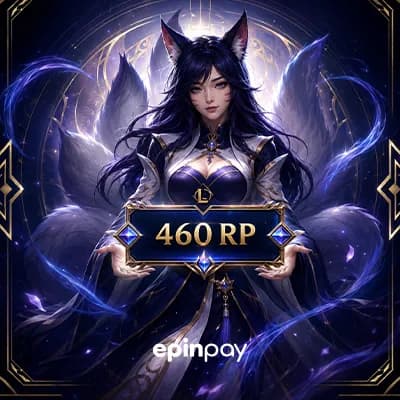
 ₺111.86
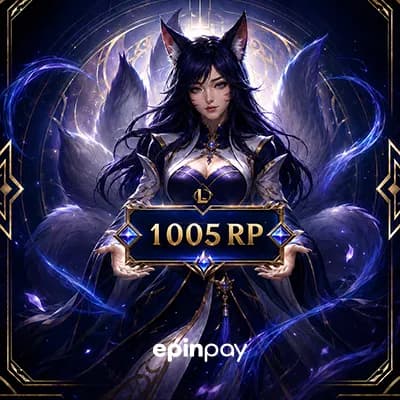 ₺233.05
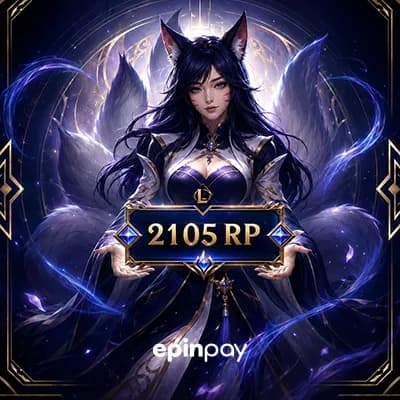 ₺466.09
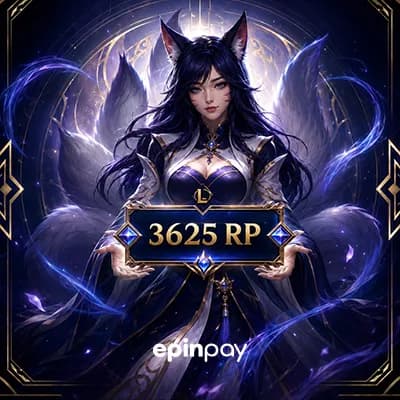 ₺792.36
 ₺1,146.59
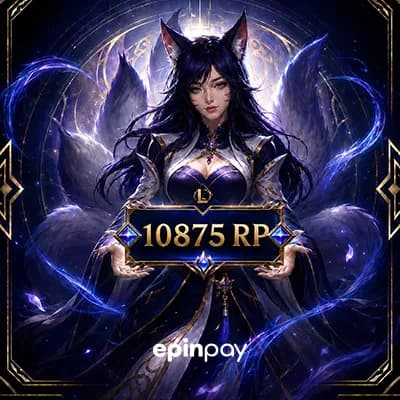 ₺2,305.62
 ₺270.00
 ₺543.96
 ₺1,080.54
 ₺1,904.60
 ₺236.94
 ₺475.91
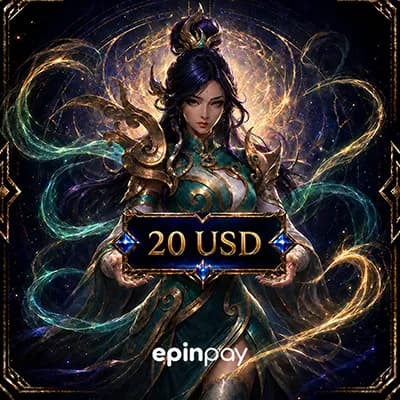 ₺937.93
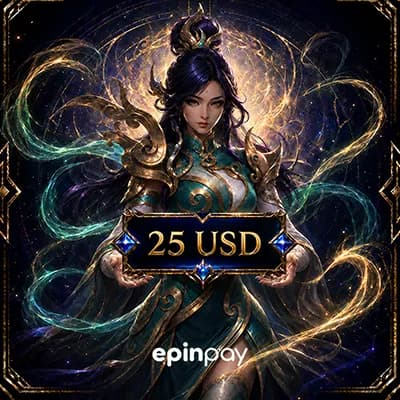 ₺1,182.94
 ₺1,647.35
 ₺2,380.02
Buy League of Legends RP card online on Epinpay and add Riot Points to your LoL account with a digital code. Riot Points are used in League of Legends for eligible in-game content such as skins, champions, chromas, icons, event passes and other store items available on your account.
If you are looking for a LoL RP code, a Riot Points card, or a League of Legends gift card for your Riot account, this category helps you compare available RP options before checkout. Always review the card value, currency, delivery details and region compatibility before placing your order.
View LoL RP Cards How to Redeem
A League of Legends RP card is a prepaid digital code that can be redeemed on a compatible Riot account. After redemption, Riot Points are added to the account and can be used for eligible League of Legends store content.
RP is mainly used for cosmetic and account customization options. The exact store content available to you may depend on your account region, game client, current promotions and Riot’s active store rules.
Buying LoL RP online is useful when you want to add balance before a skin rotation, event pass, limited-time offer or new cosmetic release. Instead of entering payment details inside the game client every time, you can choose a digital RP product and redeem the code on your Riot account.
On Epinpay, you can review available Riot Points options, compare card values and complete your purchase through a secure checkout process. Before payment, make sure the selected product matches the Riot account you plan to use.
| Buying Intent | What to Check |
|---|---|
| Buying a skin | Skin price, current RP balance and missing RP amount |
| Buying an event pass | Event duration, RP cost and account region |
| Sending as a gift | Recipient account region and code compatibility |
| Preparing for future purchases | Card value, currency and redemption conditions |
The best Riot Points card depends on what you want to buy. If you only need to complete your balance for a single skin, a smaller RP option may be enough. If you are planning to buy a bundle, event pass or multiple cosmetics, a higher-value card may be more practical.
Example: If the item you want costs more RP than your current balance, choose a Riot Points card that covers the missing amount without buying much more than you need.
After receiving your LoL RP code, redeem it through the official Riot Client or the supported League of Legends redemption area. Make sure you are logged in to the correct Riot account before entering the code.
If you are buying for a USA-based Riot account, pay attention to the region and currency details listed on the product page. Some League of Legends gift card or Riot Points code products may be designed for specific regions, while others may have different compatibility rules.
For this reason, do not choose a code only by price. A cheaper card is not useful if it cannot be redeemed on the Riot account you want to use. Compatibility should always come before price.
If your RP code does not work, avoid repeated attempts before checking the cause. Most issues are related to incorrect code entry, extra spaces, wrong account region, already redeemed codes or using the code on the wrong Riot account.
Epinpay helps League of Legends players review digital Riot Points options in one place. You can compare available products, check compatibility notes and complete your purchase through a secure checkout flow.
Buy League of Legends RP Card View Valorant VP
If you also play other Riot titles or competitive online games, you may want to explore related digital product categories on Epinpay.
The League of Legends RP product you purchase from Epinpay is delivered as a digital RP / Riot PIN code. Before redeeming the code, make sure the product region matches your Riot account region.
STEP 1
Open the League of Legends RP category on Epinpay.
STEP 2
Choose the RP package you want to buy. Check the RP amount and region information in the product name.
STEP 3
Add the product to your cart or continue with the Buy Now option.
STEP 4
Complete the payment process.
STEP 5
After your order is completed, your LoL RP code will be available in your Epinpay account or sent to your registered email address.
STEP 1
Open the League of Legends client and log in to the Riot account where you want to add RP.
STEP 2
Go to the Store section from the main menu.
STEP 3
Click the Account icon in the store and open the Redeem Codes section.
STEP 4
Enter the LoL RP code delivered by Epinpay into the code field.
STEP 5
Click Submit to confirm the redemption.
STEP 6
After the process is completed, check your RP balance in your League of Legends account.
Important: LoL RP codes may be region-specific. The region of the product you purchased must match your Riot account region. Do not share your Riot account password, email verification code, or two-factor authentication codes with anyone.