
Instant Delivery
Licensed Epins
Secure Payment
Instant Delivery
Licensed Epins
Secure Payment
Buy Mobile Legends Diamonds and top up your MLBB account instantly with User ID and Zone ID. Choose diamond packs, Weekly Diamond Pass and more on Epinpay.
Buy Mobile Legends Diamonds and top up your MLBB account instantly with User ID and Zone ID. Choose diamond packs, Weekly Diamond Pass and more on Epinpay.
Instant Delivery
Licensed Epins
Secure Payment
Instant Delivery
Licensed Epins
Secure Payment
39 product
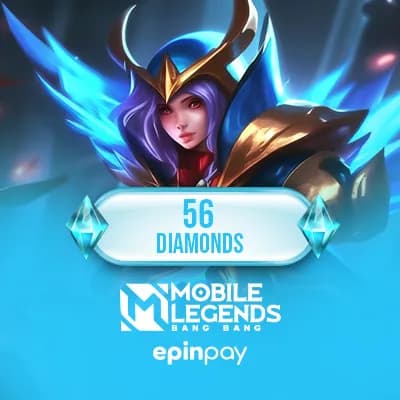
 ₺47.44
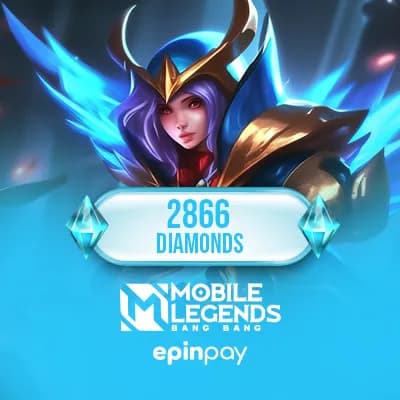 ₺1,834.05
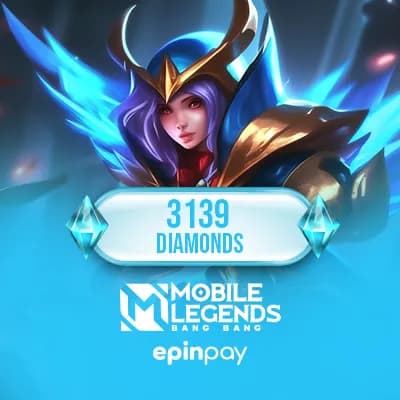 ₺2,019.40
 ₺2,356.75
 ₺3,365.33
 ₺4,177.72
 ₺4,515.07
 ₺5,523.65
 ₺7,681.97
 ₺11,522.96
 ₺15,363.95
 ₺19,204.94
 ₺38.00
 ₺188.74
Out of Stock
Out of Stock
Buy Mobile Legends Diamonds and Weekly Diamond Pass products online on Epinpay. This category is designed for MLBB players who want to top up their account, prepare for skins, events, draws, Starlight content or other eligible in-game purchases.
Mobile Legends: Bang Bang is especially active among players in Indonesia, the Philippines and many other global regions. If you are looking for an MLBB Diamond top up for your account, always check the selected product, User ID, Zone ID, region details and delivery notes before completing your order.
View MLBB Products How to Top Up
Epinpay lists different Mobile Legends digital products so you can choose the option that fits your account and purchase goal. Some players need a small Diamond amount for a quick purchase, while others prefer Weekly Diamond Pass or higher-value Diamond products for longer-term planning.
| Product Type | Best For | What to Check |
|---|---|---|
| MLBB Diamonds | Skins, draws, events and eligible in-game purchases | Diamond amount, User ID, Zone ID and delivery method |
| Weekly Diamond Pass | Players who want recurring value over several days | Pass duration, reward details and account compatibility |
| Special MLBB Products | Seasonal content, campaign products or selected account needs | Product description, stock status and special conditions |
If you are buying Mobile Legends Diamonds for an account in Indonesia or the Philippines, the most important step is entering the correct account information. MLBB top-up products usually require your User ID and Zone ID. These details must match the account you want to top up.
Region and currency details can also matter depending on the product. Before checkout, review whether the selected MLBB Diamonds, Weekly Pass or digital product is suitable for your account. A product with the wrong account details or unsupported region may cause delivery problems.
The right choice depends on how you play Mobile Legends. If you need Diamonds immediately for a skin, draw or event, a standard Diamond top-up may be more suitable. If you prefer a product that gives value over time, Weekly Diamond Pass can be a better option depending on the current product details.
You do not need to share your game password for standard ID-based Mobile Legends top-up products. In most cases, the required information is your User ID and Zone ID. The exact fields may change depending on the selected product.
Your Mobile Legends User ID and Zone ID can usually be found on your in-game profile screen. The User ID identifies your account, while the Zone ID helps match the correct server area. Entering these details incorrectly may send the top-up to the wrong account or delay the order process.
Mobile Legends Diamonds prices may change depending on Diamond amount, product type, stock status, currency, delivery method, campaigns and seller pricing. For this reason, the product cards and checkout page should be used as the current price reference.
When comparing MLBB top-up products, do not look only at the price. Check the Diamond amount, Weekly Pass conditions, delivery method and account compatibility together. The right product is the one that matches your account and purchase goal.
Epinpay gives MLBB players a clear way to review digital top-up products, check product details and complete checkout in a controlled purchase flow. It is useful whether you are buying for your own account or sending a top-up as a gift to another player.
View Mobile Legends Diamonds View Free Fire Diamonds
If you play mobile games in Indonesia, the Philippines or other regions, you may also want to explore related digital product categories on Epinpay.
Mobile Legends Diamonds purchased from Epinpay are usually loaded to your account using your User ID and Zone ID. You do not need to share your game account password for this process.
STEP 1
Open the Mobile Legends Diamonds category on Epinpay.
STEP 2
Choose the Diamond package or Weekly Diamond Pass product you want to buy.
STEP 3
Check the Diamond amount and region information in the product name.
STEP 4
Add the product to your cart or continue with the Buy Now option.
STEP 5
Before payment, enter your Mobile Legends User ID and Zone ID correctly.
STEP 1
Open Mobile Legends: Bang Bang.
STEP 2
Tap your profile picture in the upper-left corner of the main screen.
STEP 3
Find your User ID and the Zone ID shown in parentheses on your profile page.
STEP 4
Enter these details into the required fields on the Epinpay checkout screen.
STEP 1
Select the Mobile Legends product you want to buy.
STEP 2
Enter your User ID and Zone ID correctly.
STEP 3
Check the Diamond amount, product name, and account details one last time.
STEP 4
Complete the payment.
STEP 5
Log in to Mobile Legends and check your Diamond balance. If the Diamonds do not appear, restart the game and check again.
Important: If the User ID or Zone ID is entered incorrectly, Diamonds may be loaded to the wrong account. Do not share your Mobile Legends password, social login details, or verification codes with anyone.